

On this page
You can make anime AI art on your Android phone with Off Grid AI. Download an anime model once on Wi-Fi, type what you want, and the phone draws it. No internet after that, no credits, no account, and no limit on pictures.
Get Off Grid AI on Google Play · All downloads
What you need
- An Android phone with 6 GB of RAM or more.
- About 1 to 3 GB of free space for an anime model, about 3 to 4 GB for the XL ones.
- Wi-Fi once for the download.
Pick your anime model
| Model | Best for | Phone | Speed |
|---|---|---|---|
| Anything V5 | Clean anime lines, bright colour | Any supported phone | Seconds on Snapdragon 8 Gen 1 and newer |
| MeinaMix V12, Counterfeit V3.0, Mistoon Anime V3 | More anime looks | Snapdragon 8 Gen 1 and newer (NPU) | Seconds |
| Animagine XL 4.0 | Known characters, detailed scenes | 12 GB of RAM | Much slower; minutes on Snapdragon |
| Illustrious XL v2.0 | Illustration and anime styles | 12 GB of RAM | Much slower; minutes on Snapdragon |
Start with Anything V5. It’s the quick one. The XL models draw at 1024px with more detail but are much slower. On Snapdragon phones they run on the CPU, and the model list shows “About N min per image on this phone” before you download.
Make your first picture
- Install Off Grid AI from Google Play.
- Open Models, then Image Models, and download Anything V5.
- Start a chat and ask: “draw a girl with silver hair on a rooftop at night, city lights”.
- Tap the Anime style above the message box before you send, if you want the style pushed further.
- Watch it appear. The app shows the picture forming step by step.
Like the picture but want another look? Tap Restyle under it and pick a different style. The same prompt draws again.
Prompts that work for anime
- Name the character’s look, not a franchise name: hair colour, eyes, outfit, pose.
- Add the scene and the light: “cherry blossoms, soft morning light”, “neon rain, night”.
- Put what you don’t want in the negative prompt: “blurry, extra fingers, text, watermark”.
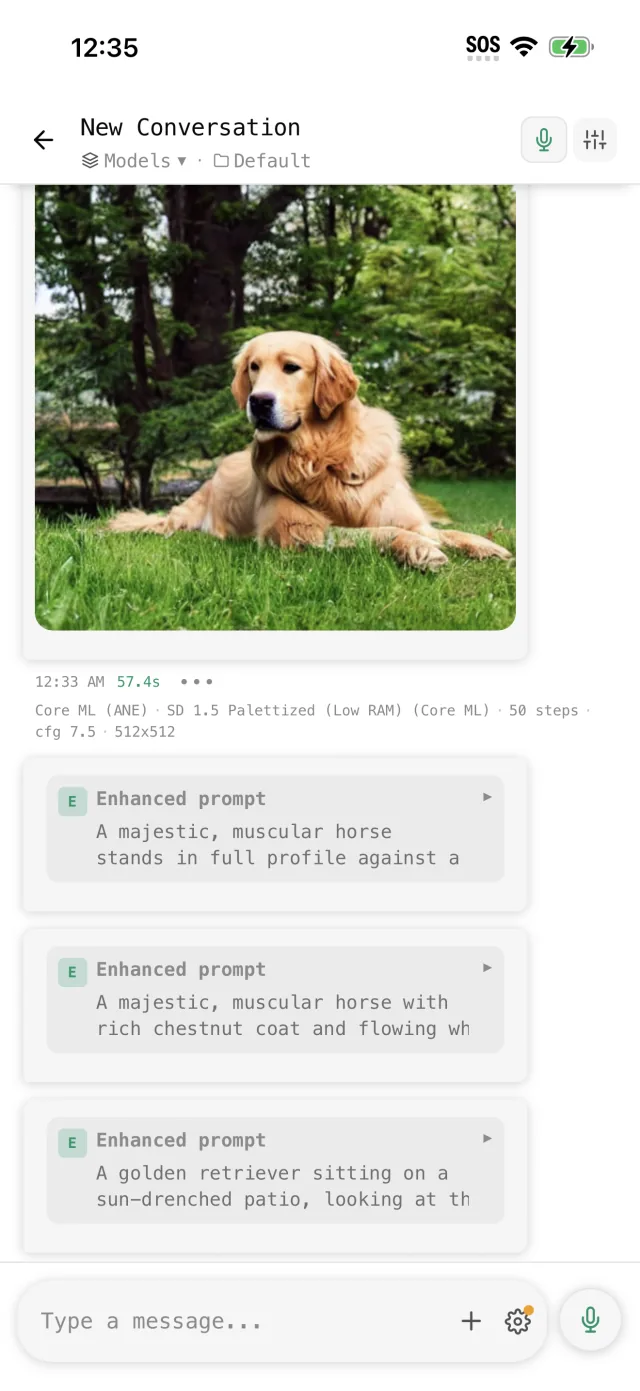
- Turn on Enhance image prompts in the chat settings. The text model on your phone rewrites “anime cat girl” into a full scene before it draws, and you see the new prompt first.
Faster pictures on Snapdragon
On Snapdragon 8 Gen 1 and newer, the app uses the phone’s NPU for image models built for it, and a 512x512 picture takes about 5 to 15 seconds. Other phones take longer. You don’t set anything, because the app picks the engine for your chip.
Your pictures stay on your phone
Online anime generators keep your prompts and pictures on their servers. Off Grid AI has no server for them. They’re in your Gallery on the phone, and you choose what to save or share.
FAQ
Can I make anime AI art without internet? Yes, after one model download on Wi-Fi.
Which anime model should I use? Anything V5 to start. Animagine XL or Illustrious XL on 12 GB phones for more detail.
How long does a picture take? Seconds with Anything V5 on Snapdragon 8 Gen 1 and newer. The XL models are much slower.
Is it free? Yes. No limit on pictures.
Related guides
- How to generate AI images on your Android phone in 2026
- How to run Stable Diffusion on your Android phone
- How to run Animagine XL 4.0 locally in 2026
Download Off Grid AI free on Google Play and draw your first anime picture tonight.