

On this page
You can make realistic AI photos on your Android phone with Off Grid AI. Download a photoreal model once on Wi-Fi, describe the shot, and the phone makes it in seconds on recent Snapdragon chips. No internet after that, no credits, no account.
Get Off Grid AI on Google Play · All downloads
What you need
- An Android phone with 6 GB of RAM or more.
- 1 to 3 GB of free space for one model, about 3 to 4 GB for the XL ones.
- Wi-Fi once for the download.
Pick your photoreal model
| Model | Best for | Phone |
|---|---|---|
| Absolute Reality | Portraits, landscapes, product shots | Any supported phone |
| Realistic Vision Hyper | Natural skin and light | Snapdragon 8 Gen 1 and newer (NPU) |
| Majicmix Realistic V7 | Soft, polished portraits | Snapdragon 8 Gen 1 and newer (NPU) |
| Juggernaut XL v9 | Cinematic shots at 1024px | 12 GB of RAM, much slower |
| RealVisXL v5.0 | The most detailed photorealism | 12 GB of RAM, much slower |
Start with Absolute Reality, or Realistic Vision Hyper if your phone has a Snapdragon 8 Gen 1 or newer. Move to an XL model when you want more detail and don’t mind waiting. On Snapdragon phones the list shows “About N min per image on this phone” for those.
Make your first realistic picture
- Install Off Grid AI from Google Play.
- Open Models, then Image Models, and download Absolute Reality.
- Start a chat and describe a photo: “portrait of an old fisherman at golden hour, 85mm, shallow depth of field”.
- Tap the Photoreal style above the message box.
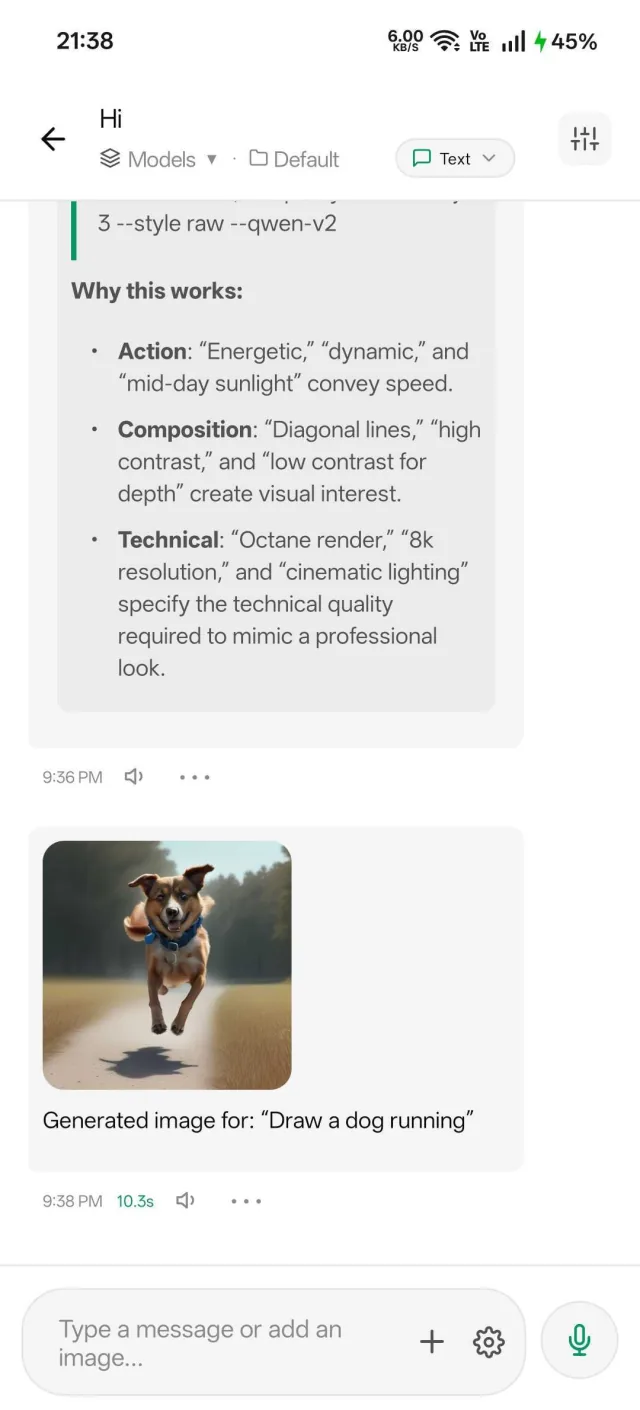
- Send it and watch the picture form.
Prompts that look like real photos
- Write it like a camera brief: lens (“35mm”, “85mm”), light (“golden hour”, “overcast”), and distance (“close-up”, “wide shot”).
- Name real textures: “weathered skin”, “wet asphalt”, “linen shirt”.
- Use a negative prompt: “cartoon, painting, blurry, extra fingers, text”.
- Turn on Enhance image prompts in the chat settings. The text model on your phone adds the camera and light detail for you, and shows you the new prompt first.
- Keep 20 steps at 512x512 for the quick models. That’s the balance of speed and quality on a phone.
Why it’s fast on Snapdragon
On Snapdragon 8 Gen 1 and newer, Off Grid AI runs NPU builds of the models on the phone’s AI chip. A 512x512 picture takes about 5 to 15 seconds. On other phones it takes longer, and the app picks the right engine for you.
Nothing leaves your phone
Online generators keep every prompt and picture on their servers. With Off Grid AI there’s no server. A product shot for your shop or a picture for a family card stays in your Gallery until you share it.
FAQ
Can I make realistic AI photos offline? Yes, after one model download on Wi-Fi.
What’s the best photoreal model for Android? Absolute Reality on any phone, Realistic Vision Hyper on Snapdragon 8 Gen 1 and newer, Juggernaut XL or RealVisXL on 12 GB phones.
How long does a picture take? About 5 to 15 seconds on recent Snapdragon chips. XL models are much slower.
Are my photos uploaded? No.
Related guides
- How to generate AI images on your Android phone in 2026
- How to turn a photo into a video on your Android phone in 2026
- How to run Juggernaut XL locally in 2026
Download Off Grid AI free on Google Play and make your first realistic picture today.