

On this page
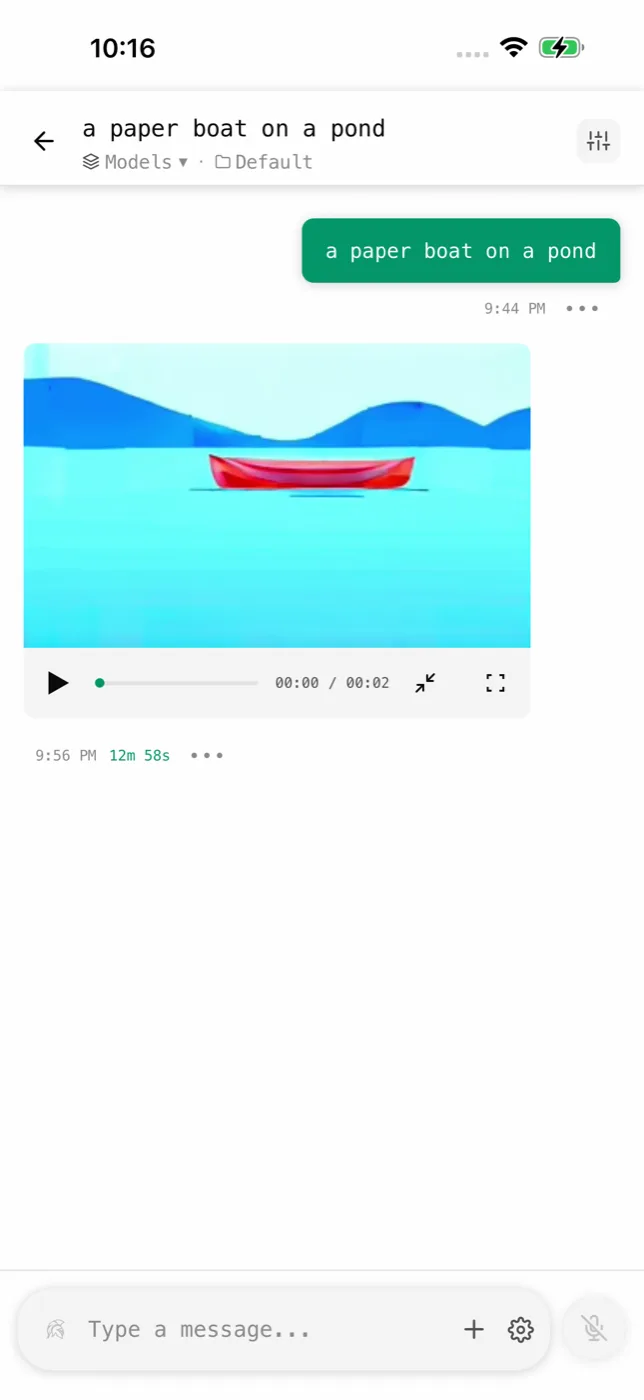
You can turn a photo into a video on your Android phone with Off Grid AI. Open the photo, tap Animate this photo, and a short clip comes back. It renders with the open Wan 2.2 model on your phone or your own computer, so there are no credits to buy and your photo isn’t uploaded.
Video is part of Off Grid AI Pro. One purchase covers your phone and your computer.
Get Off Grid AI on Google Play · Get Pro
What you need
- Off Grid AI Pro. $34.99 once (regular $119) or $7.99 a month, for up to 5 devices.
- An Android phone with about 12 GB of RAM to render on the phone, such as a Galaxy S25 Ultra or OnePlus 13.
- Or any Android phone plus your own computer. Pair it with Off Grid AI on your Mac or PC and the computer renders the clip.
- About 8 GB of free space for Wan 2.2 (5B), Light, the model that starts from a photo.
Animate a photo in 4 steps
- Install Off Grid AI from Google Play and turn on Pro.
- Download Wan 2.2 (5B), Light in Models, under the Video tab. Skip this if a paired computer will render.
- Open a picture in the Gallery and tap Animate this photo. The app fills in a starting line, “The scene comes to life with gentle, natural motion”. Change it to say what should move: “the waves roll in and the clouds drift”.
- Choose where it renders, on this phone or on your computer, and tap Animate.
Keep the app open while the clip renders. It takes minutes, not seconds, so plug the phone in. The finished clip lands in the Gallery, where you can play, save or share it.
Get better clips
- Describe one motion. “Her hair moves in the wind” works better than a list of actions.
- Pick photos with room to move: water, sky, hair, smoke, leaves.
- Keep the camera still in the prompt unless you want a pan. “Static camera” stops the picture from drifting.
- Render on your computer for size and speed. A Mac or PC with a good GPU is faster and renders at full size.
Pair your computer
- Install Off Grid AI Desktop on your Mac or Windows PC and turn on Pro with the same key.
- On the computer, open Devices and select Show QR Code.
- On the phone, open Settings > Sync and scan it.
From then on, Animate this photo asks whether to render on the phone or the computer. The clip comes back to the phone either way, over your own network.
FAQ
Can I turn a photo into a video without credits? Yes. Pro renders on your own phone or computer, so retries are free.
What phone do I need? About 12 GB of RAM on the phone, or any phone paired with your computer.
Is my photo uploaded? No. Only to your own computer, if you pick it.
How much does it cost? Pro is $34.99 once or $7.99 a month.
Related guides
- How to make AI videos on your Android phone in 2026
- How to make realistic AI photos on your Android phone in 2026
- How to pair your phone and computer in Off Grid AI
Get Off Grid AI Pro and bring your first photo to life tonight.