

On this page
You can keep your passwords on your iPhone and your Mac without iCloud Keychain or a password company holding a copy. Off Grid AI Pro has a Vault on both. Pair your iPhone with your Mac once, turn on Vault under Sync sharing, and your logins, cards and one-time codes sync between them over your own Wi-Fi, encrypted, with no account.
On the iPhone the Vault sits on Home and opens with Face ID. On the Mac it also fills logins in Chrome and keeps API keys and private files.
Get Pro for $34.99 once · Download Off Grid AI
What you need
- Off Grid AI 0.0.124 or later on your iPhone, from the download page. The iPhone needs a passcode, because the Vault’s key is kept behind it.
- Off Grid AI Desktop 0.0.57 or later on a Mac with Apple silicon.
- Off Grid AI Pro. One key covers both devices, and up to 5 in all. Pro is $34.99 once, a limited-time price down from $119, or $7.99 a month.
- The same Wi-Fi for both, or the iPhone near the Mac. Sync goes device to device, never through a server.
Step 1: Pair your iPhone with your Mac
If you already sync chats or notes, skip this step.
- On the Mac, open Devices in the sidebar and click Show QR Code.
- On the iPhone, open Settings, then Sync, and scan the code with the camera button, or type the pairing code.
- Both devices show each other as connected.
The pairing guide walks through it with pictures.
Step 2: Set up the Vault on your Mac
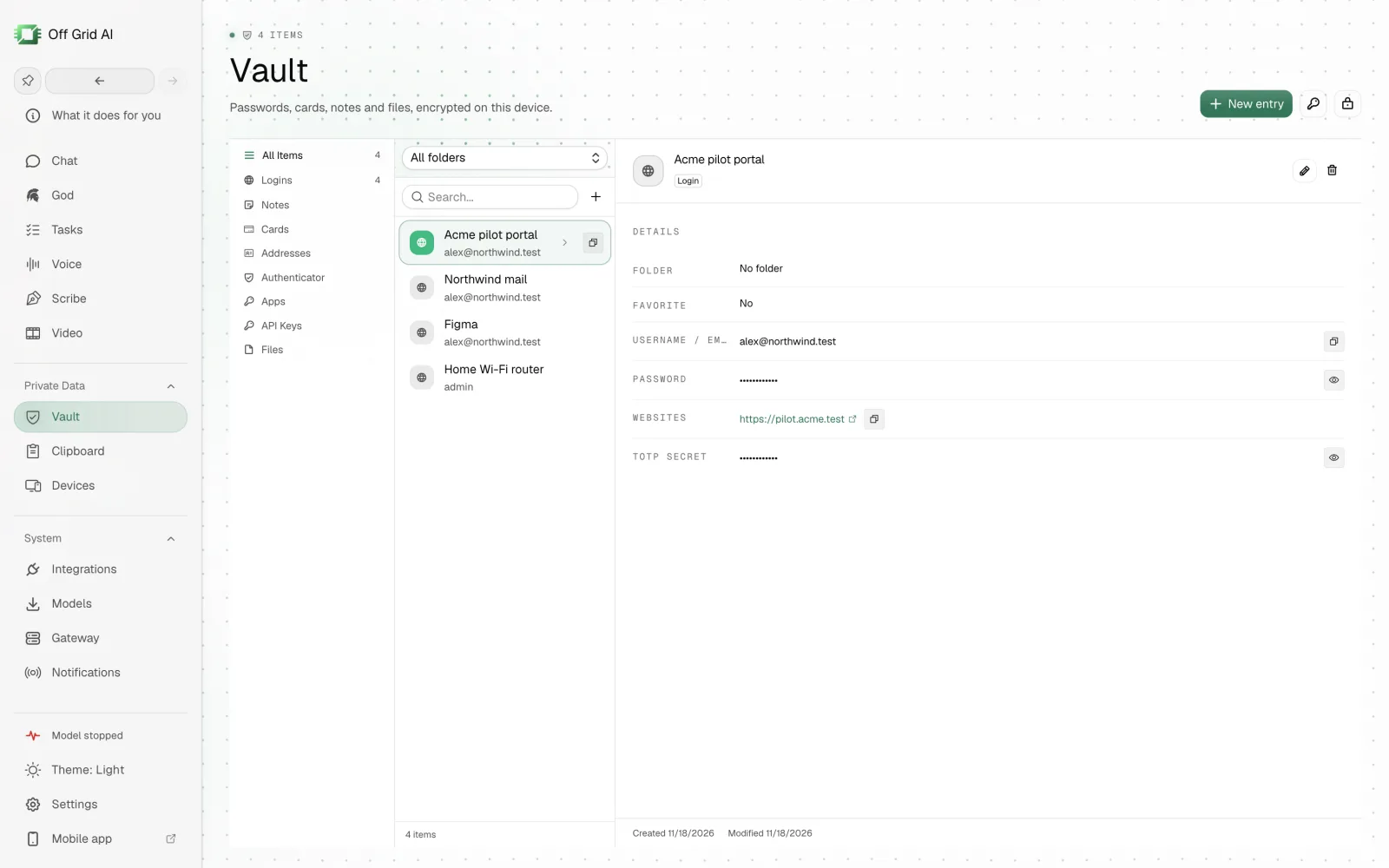
- Click Vault in the sidebar.
- Choose a master password, type it twice and click Create Vault.
- Write down the 24-word recovery phrase it shows, tick the box and click Open vault.
- Add your logins with New entry, or import them from your old password manager.
Your Vault on the Mac is encrypted with your master password. Nothing about it goes to a server.
Step 3: Turn on Vault sync
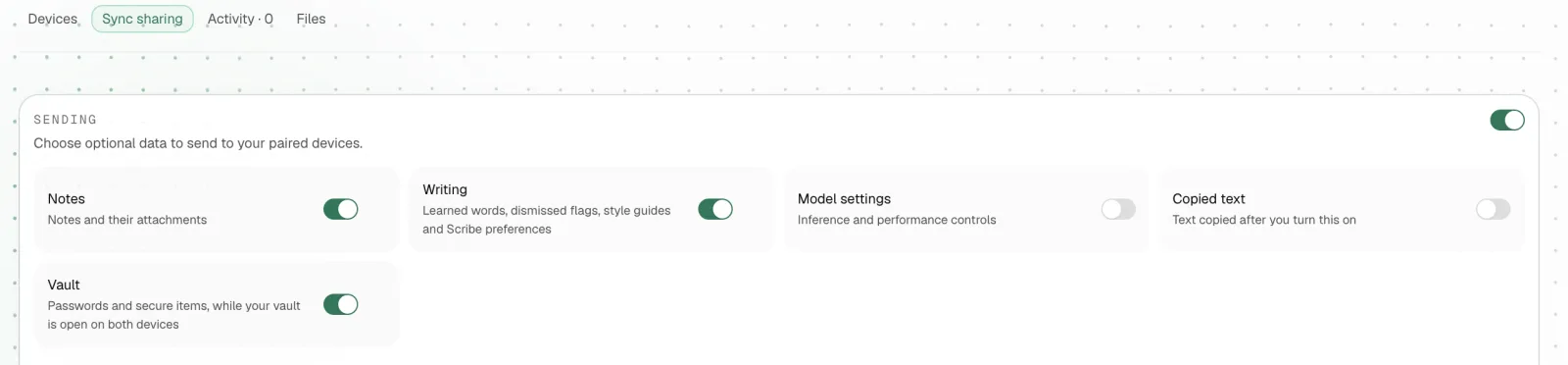
- On the Mac, open Devices and click the Sync sharing tab.
- Under Sending, turn on Vault. Its line reads “Passwords and secure items, while your vault is open on both devices”.
- On the iPhone, open Settings, then Sync, tap Sharing and turn on Vault there too. An empty Vault also has a Sync sharing button that takes you straight there.
Step 4: Open the Vault on your iPhone
- On Home, tap Vault.
- Tap Unlock and look at your iPhone. Face ID opens it, or your passcode if Face ID is off.
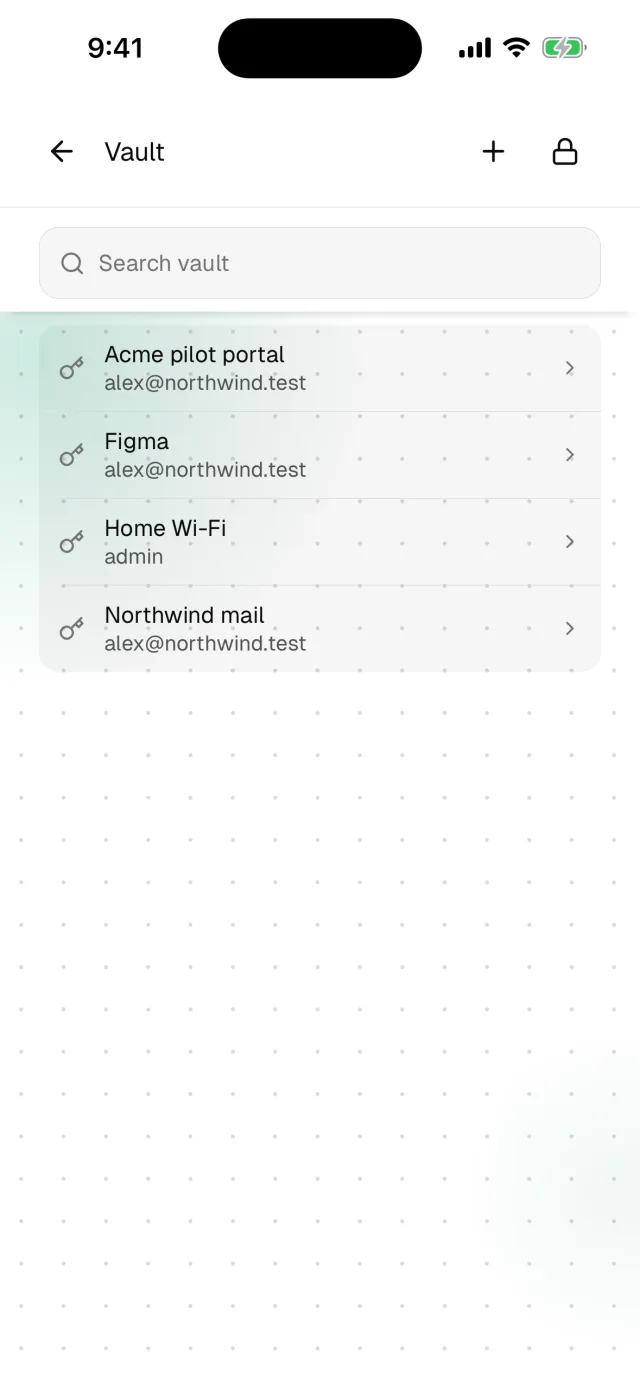
- With the Mac’s Vault unlocked too, your items arrive. A login, a card, a one-time code and a secure note each keep their own fields.
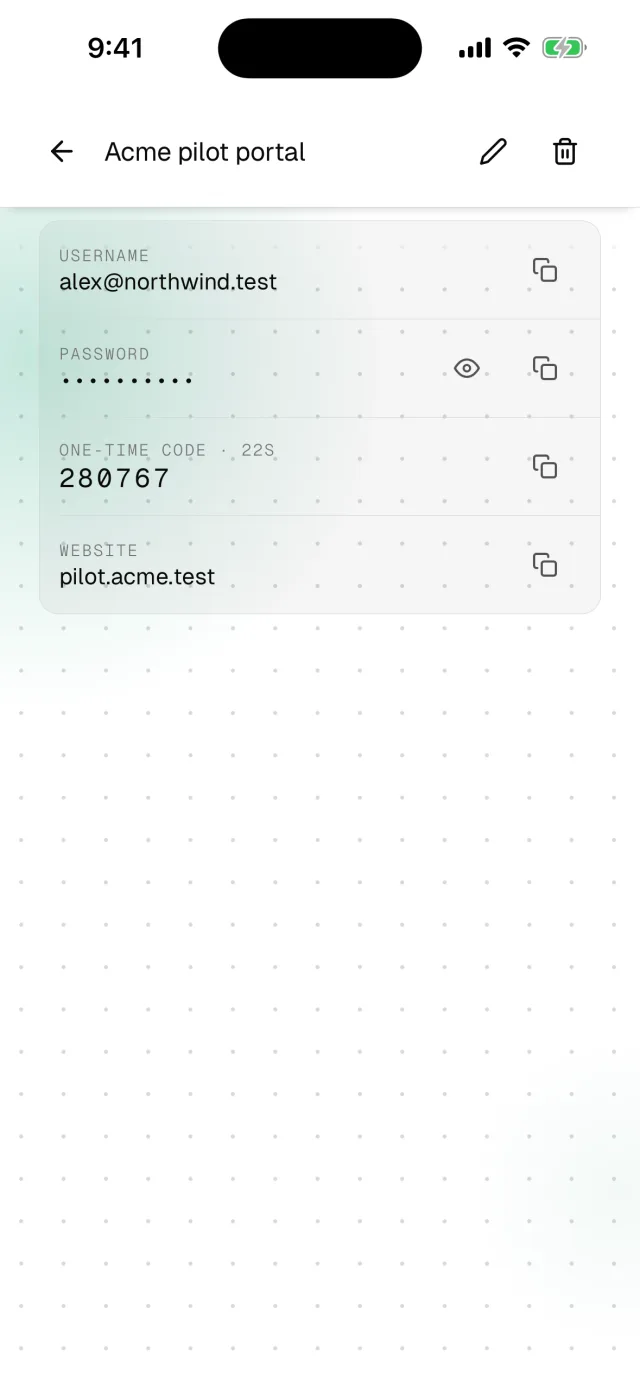
Tap a login to open it. Each field has a copy button, and a login with a one-time code shows the current code and how many seconds it has left. Tap + to save a new login on the iPhone, and it shows up on the Mac the next time both are open.
How it stays private
- No server copy. Items move only inside the paired, end-to-end encrypted connection between your devices.
- Only while open. The Vault syncs only while it’s unlocked on both devices. A locked iPhone takes nothing, and when you unlock it, it catches up.
- A key that stays on the phone. On the iPhone the Vault is one sealed file. Its key lives in the iPhone’s Keychain behind Face ID or your passcode, with no iCloud Keychain and no backup, so the file alone opens nothing.
- It locks itself. The iPhone’s Vault locks when you tap Lock and whenever the app goes to the background.
- Your choice, per device. Under Receiving, you choose what each device accepts, so a shared Mac can stay out of your passwords.
Fixing common problems
| What you see | Why | What to do |
|---|---|---|
| No passwords yet on the iPhone | The Mac’s Vault is locked, or Vault sync is off | Unlock the Vault on the Mac and check Vault is on in Sync sharing on both |
| Vault stayed locked. Try again. | Face ID didn’t match | Tap Unlock again, or use your passcode |
| A new login hasn’t reached the Mac | The two devices aren’t connected | Put them on the same Wi-Fi and open both apps |
FAQ
Can I sync passwords between my iPhone and Mac without iCloud? Yes. Off Grid AI Pro keeps a Vault on your iPhone and on your Mac. Pair the two, turn on Vault under Sync sharing, and your passwords sync device to device over your own network, encrypted, with no account.
Where are my passwords stored? Only on your own devices. On the Mac the Vault is encrypted with your master password. On the iPhone it is sealed with a key that lives in the iPhone’s Keychain behind Face ID or your passcode, and that key never leaves the phone. There is no server copy.
When do my passwords sync? While both devices are on the same network and the Vault is open on both. A locked iPhone takes nothing. When you unlock it again, it picks up whatever it missed.
What can I keep in the Vault on my iPhone? Logins with usernames, passwords and websites, one-time codes, cards, addresses and secure notes. Everything you add on the Mac shows up on the iPhone, and new logins you save on the iPhone show up on the Mac.
What does it cost? The apps are free. Vault and Sync come with Off Grid AI Pro, $34.99 once or $7.99 a month, for up to 5 devices. The same key covers meetings, dictation, Notes and Scribe.
Related guides
- How to store passwords on your Mac without cloud sync
- How to keep private notes on your iPhone that sync with your computer
- How to fill website logins from your Off Grid AI Vault
- Best ways to sync files, clipboard and passwords between your phone and computer without a cloud
Get Off Grid AI Pro and open your Mac’s passwords on your iPhone with Face ID.